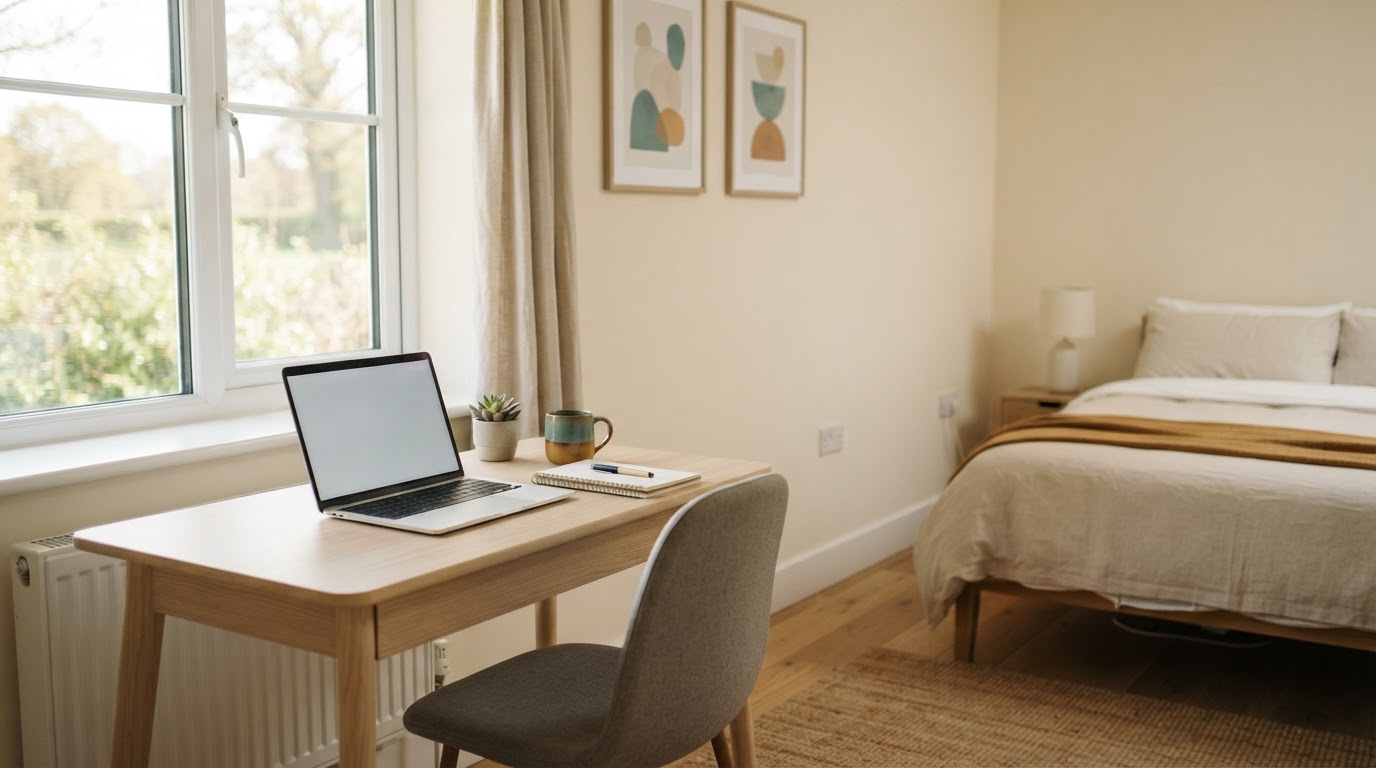

You can pick the perfect city and still have a bad month if the place you sleep in doesn’t suit the way you work. A hotel room with a tiny desk, an apartment with shaky Wi-Fi and a co-living house with a noisy kitchen all cause the same problem: you end up working from your bed or a cafe you didn’t plan to use.
The choice usually comes down to three options. Hotels, apartments and co-living each solve different problems, and none of them is best for everyone.
This guide compares them from a remote worker’s point of view. You’ll finish with a checklist of questions to ask before you book, and a safer way to test a place before you commit to a full month.
Start with how you actually work
Before you compare listings, answer three questions about your own work:
- How many calls do you take? Frequent video calls need a quiet room and a stable connection.
- How long do you sit and focus? Several hours at a desk means you need a proper chair and table, not a sofa.
- Do you want company or peace? Some people recharge around others, and some need a door that closes.
Your answers will do more to narrow the choice than any list of “best places to stay.”
Hotels: flexible, but often small
Hotels are the easiest to start with. You can usually book a few nights, someone cleans the room, and there is a front desk if something breaks. That makes them a good first stop in a new city.
The trade-offs show up when you work from the room. Many hotel rooms have a small desk, or none, and a kitchen is rare. Nightly pricing can also add up over a month, so ask whether the property offers a long-stay rate before you decide.
Apartments: space and routine
An apartment gives you a kitchen, more room and a place that feels like yours. For long stretches of focused work, that routine matters. You can cook, do laundry and close a door between work and rest.
The risks are mostly about the unknown. The Wi-Fi may be slow, the desk may be a dining table, and the neighbours may be loud. Terms also vary by host: read the rules on deposits, cleaning fees, notice periods and what happens if you leave early. Our guide to finding long-term apartment rentals while traveling goes deeper on this route.
Co-living is a shared housing model. Remote.co’s guide to co-living for digital nomads describes it as people sharing a living space with private rooms, with extra resources and a built-in community for remote workers. Many places offer a private room plus a shared kitchen, lounge and sometimes a workspace, often for a single monthly fee.
It suits people who want company, especially on a first trip or in a city where they know nobody. The downsides are less privacy and shared noise. Minimum stays, what’s included and house rules differ between operators, so confirm them in writing.
Side-by-side comparison
| Factor | Hotel | Apartment | Co-living |
|---|---|---|---|
| Privacy | High in your room | High | Private room, shared common areas |
| Work setup | Often a small desk | Varies by listing | Often has shared work areas |
| Flexibility | Easy to book short stays | Depends on the host’s terms | Depends on minimum stay |
| Community | Little unless you seek it | Little unless you seek it | Built in |
| Kitchen and laundry | Rare | Usually yes | Usually shared |
| Main risk | Cramped for long stays | Unknown Wi-Fi and noise | Noise and less privacy |
These are general patterns, not rules. Individual properties vary widely, so always check the specific listing.
A checklist to run before you book
- Ask for a photo of the desk and chair. If there isn’t one, ask whether there’s a proper table you can work at.
- Ask about the Wi-Fi. Request a recent speed test or ask how many people share the connection, and check reviews that mention it.
- Read recent reviews for noise. Look for comments about street noise, thin walls and shared spaces.
- Check what’s included. Utilities, cleaning, laundry and any extra fees should be clear before you pay.
- Confirm cancellation terms. Note the deadline and what you get back, then set a reminder.
- Ask about house rules. Find out about quiet hours, guests and where you can take calls.
- Plan a backup workspace. Know where the nearest coworking space or cafe is. Our list of coworking spaces around the world is a good starting point.
Book a short stay first
The safest approach is to book the first three to seven nights with a free cancellation option, work from the place, and then extend if it suits you. Test the Wi-Fi on a real video call, sit at the desk for a full work session and listen to the noise at the times you’ll be working. Our guide to finding reliable Wi-Fi while traveling for work has more ways to check.
For co-living, contact the operator directly and ask about trial stays or minimum lengths. For hotels and apartments, a booking site makes it easy to compare options and filter by cancellation terms.
Where to compare hotels and apartments
Disclosure: the link in this section is an affiliate link. If you book through it, KohsarBlog may earn a commission at no extra cost to you.
- Booking.com: lets you search hotels, apartments and other property types and filter for free cancellation. Booking.com’s own FAQ explains how cancellation fees work, and each property sets its own deadline, so read the terms on the listing before you reserve.
Check the property’s details on the official booking page before you pay, since policies and prices change.
3 common mistakes
1. Booking the whole month before testing the place
Photos can’t show you the Wi-Fi or the noise. A short, refundable first stay costs little and saves a lot of stress.
2. Judging by photos instead of recent reviews
Listing photos show the best angles. Recent guest reviews tell you about connection speed, noise and whether the place matches its description.
3. Comparing nightly prices instead of the full cost
Cleaning fees, deposits, utilities and service charges can change the total. Add them up for the whole stay before you decide.
FAQ
Is co-living better than a hotel for working remotely?
It depends on what you need. Co-living often offers shared work areas and a community, while a hotel gives you more privacy and easier short stays. If you take many calls, check how quiet the co-living space really is.
How long should my first booking be?
Three to seven nights with free cancellation is a sensible start. That’s enough time to test the Wi-Fi, the desk and the neighbourhood before you extend.
What if the Wi-Fi turns out to be bad?
Tell the host or front desk straight away and ask for a fix. Meanwhile, use a phone hotspot or a nearby coworking space, and cancel or move within your free cancellation window if the problem continues.
Conclusion
Hotels give you flexibility, apartments give you space and co-living gives you company. The right choice depends on your calls, your focus needs and how much you want to be around people.
Next step: write your answers to the three work questions at the top, pick the type that fits, and book a short, refundable first stay before you commit to the month.



Leave a Reply